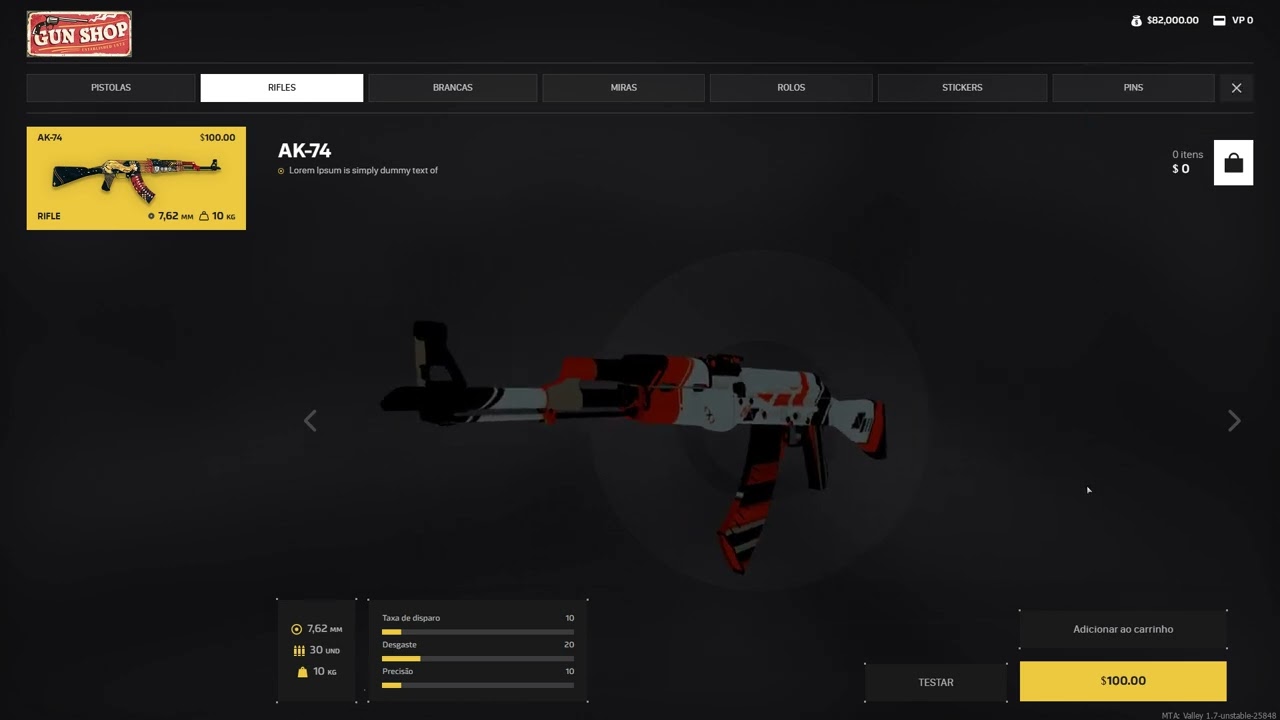
I need to create a whoosh logic so that when the player holds the weapon and moves it from side to side, the sound follows.
I’m going to change the current visualization setup to make it a bit more similar to Valorant:
when the player clicks and holds the weapon, the 3D model will slightly zoom in and a looping air ambience sound will play. The applied effect will only happen when the player moves the mouse, and it will vary according to the speed. If the player moves the mouse slowly, the effect is more subtle, and if the player moves it quickly, the effect becomes more intense.
I need to take into account that I’m using FMOD version 1.08.12 due to limitations in my project.
Making the sound follow as the weapon is rotated is simple: Add a spatializer effect to the event, and attach the event instance to a specific part of the weapon model, so that it moves as the model moves.
Applying an effect to the sound when it is moved at high speed is tricker. If you were using FMOD version 2.00.00 or later, you could use a speed built-in parameter; however, as you are using an earlier version, you will instead need to calculate the speed of the model’s movement in your game’s code and use API calls to set the value of a local parameter of the event instance accordingly. In either case, you will then need to use the parameter to automate the properties of whichever effect you want to apply to the sound.