Hello! Thank you for responding to me!
First, I apologize as English is not my native language, so I’m using a translator, which makes it a bit harder to express what I mean.
Let me explain:
As I mentioned, I’m a beginner with the program, so most of the functions are still unfamiliar to me.
What I need is to apply an echo effect to the last shot I fire (mainly in automatic mode). I tried using a sound asset of a shot with an echo, but I couldn’t use it properly in automatic mode since the sound is a bit longer, and the loop applied to it doesn’t give me the fast cadence I need for the shots. The shot keeps repeating, but at a slow pace. In my current project progress, the ideal situation would be to use a sound with an echo and make it repeat, cutting off the echo in automatic mode, so that only the last shot plays until the end (creating the echo effect).
I’ll leave a video below showing the current state of my project. I’ll be extremely happy if you suggest a simpler logic, but the one that made the most sense to me right now is the one I mentioned.
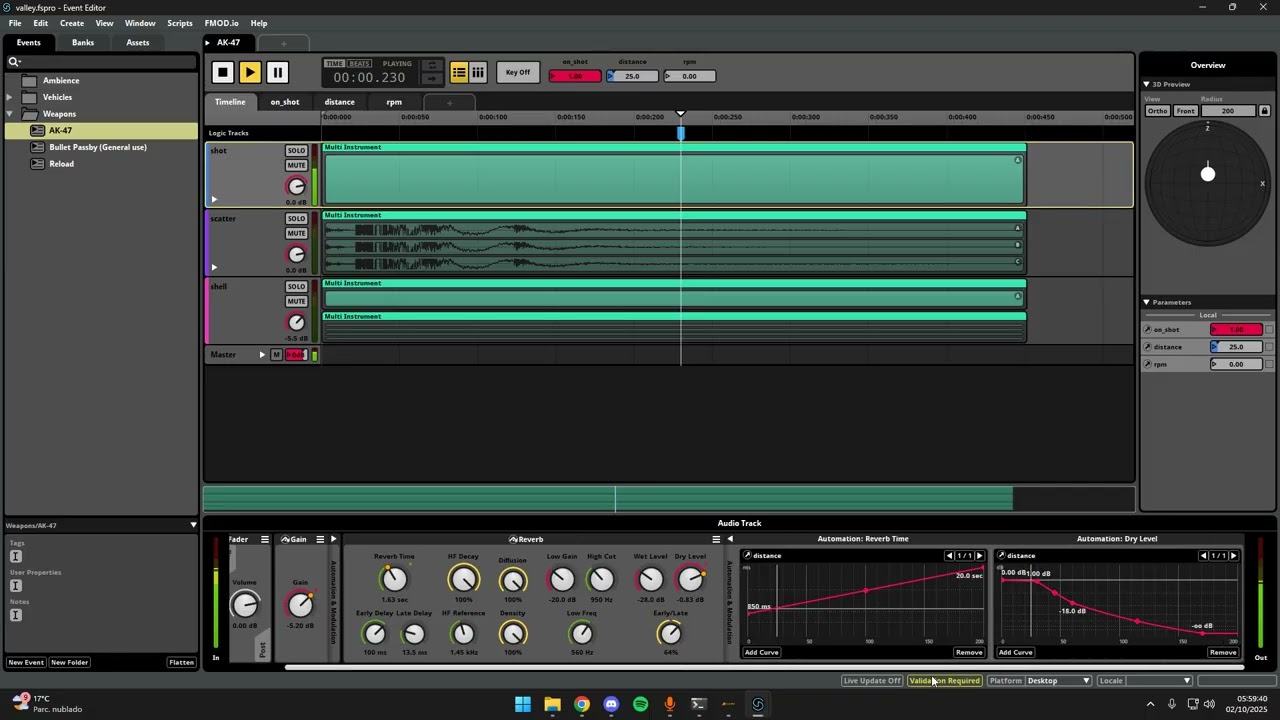
The second video shows the expected behavior: when in semi-automatic mode, the shot plays until the end. In automatic mode, the shot loops within a specific region of the audio, and when the player releases their finger from the trigger (last shot), the sound repeats until the end.
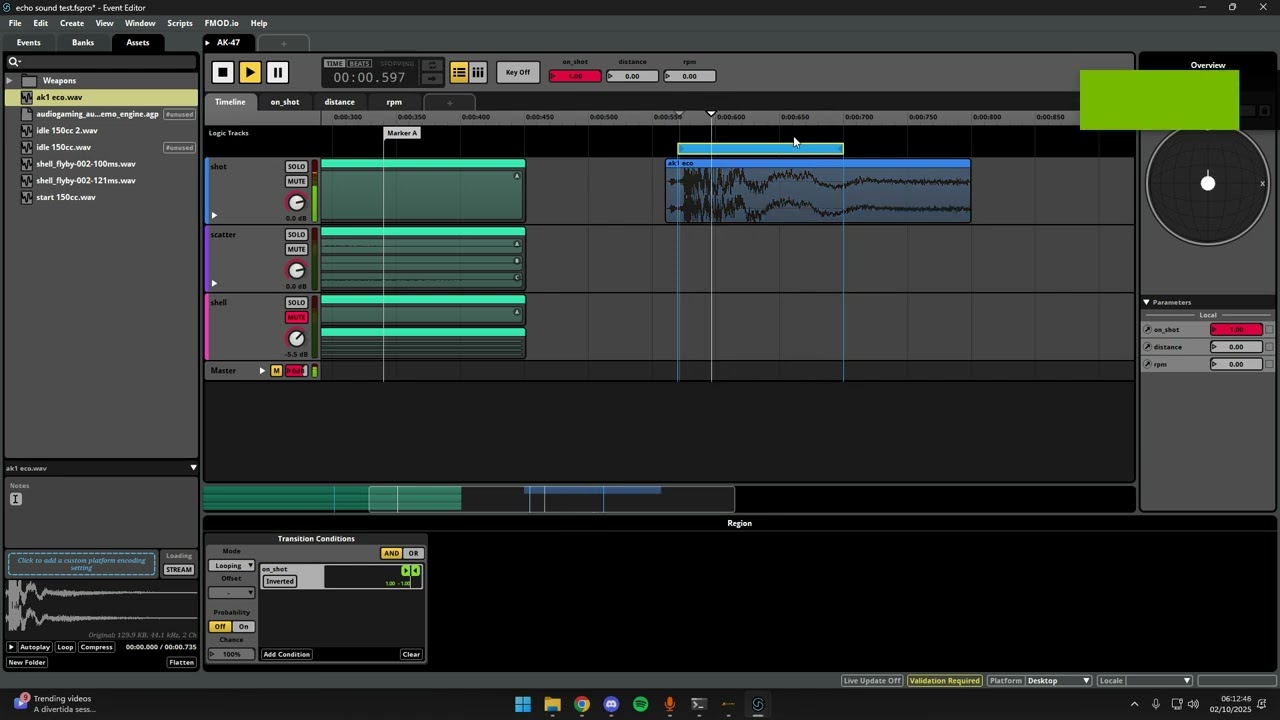
I’d be happy to hear references, too, since it’s impossible to find good learning content in Portuguese. I’m very grateful for your help!